
Welcome to Dialed
Dialed keeps track of two things riders usually keep in their head or in a notes app: how your bike is built and how you set it up for a trail. Around that live trails with real ride data, service history, and a community of riders, mechanics and shops.
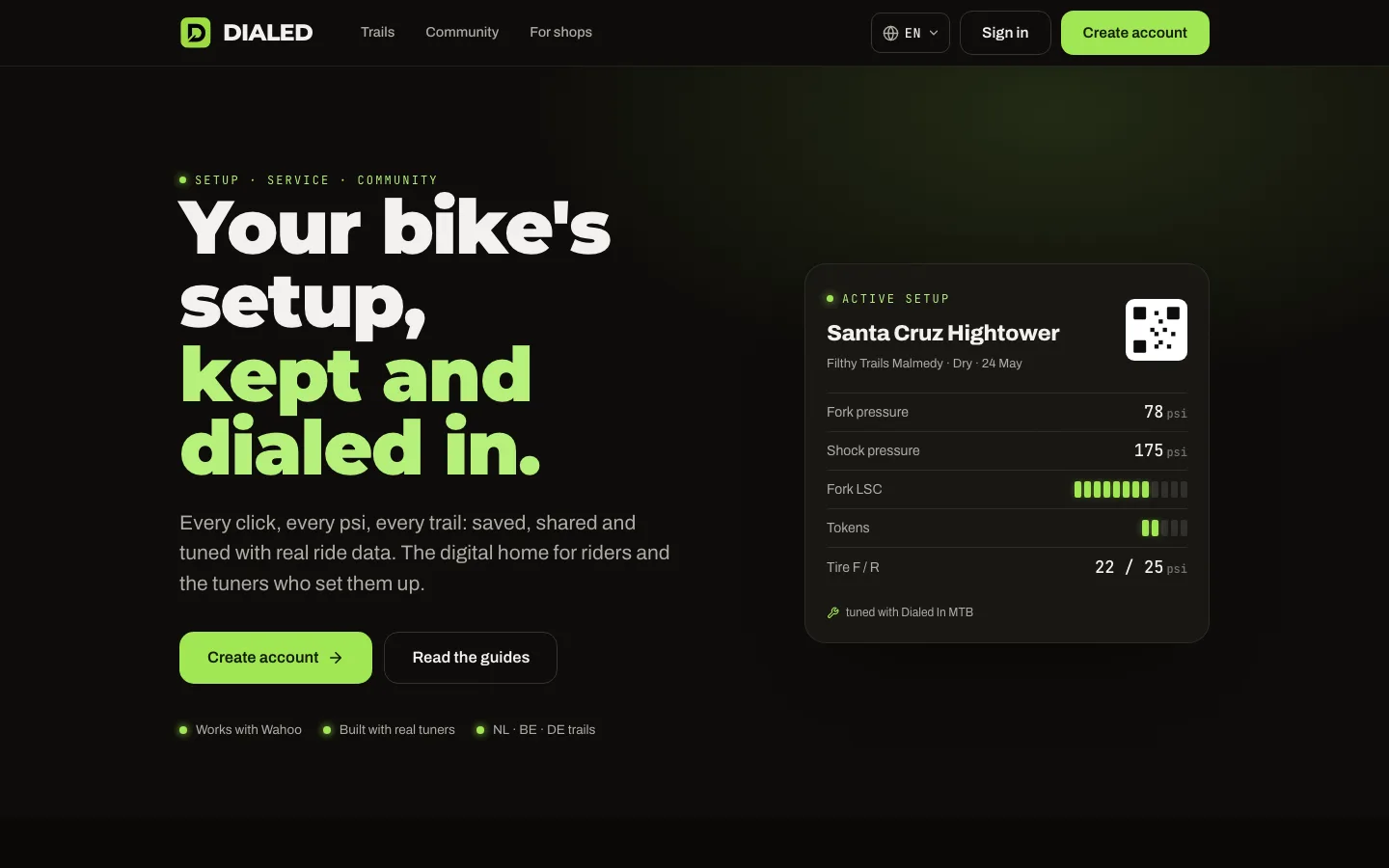
Create your account
Sign up at dialed.at with your email address. The web app and the iPhone app share one account; whatever you use to sign up works everywhere.
After signing up, complete your rider profile: weight, height, riding level and style. Do not skip the weight. Every setup you record freezes a snapshot of your profile at that moment, so community comparisons match who you were when you rode, even if your profile changes later.
The three surfaces
- dialed.at on the web: the full platform. Garage, setups, trails, feed, teams and your service history.
- The iPhone app: the same garage and setups, built to work offline. Change a pressure in the parking lot without reception; it syncs when you are back online.
- traced.at: our trail logger for recording per-meter trail data. It is invite only; the data it collects powers the trail pages everyone sees.
Your first ten minutes
- Create the account and fill in the rider profile.
- Add your bike in the garage: brand, model, size and what is mounted on it. The garage chapter covers the details.
- Pick the trail you ride most and record the setup you currently run. From then on, every change is history you can scroll back through.
That is the loop: build the bike once, then record setups as you ride. The rest of this manual takes the sections one by one.