
The iPhone app, offline and sync
Trailheads rarely have good reception, so the iPhone app assumes none. Everything you do lands on the device first and syncs to your account when a connection is available. You never wait for a spinner in the parking lot.
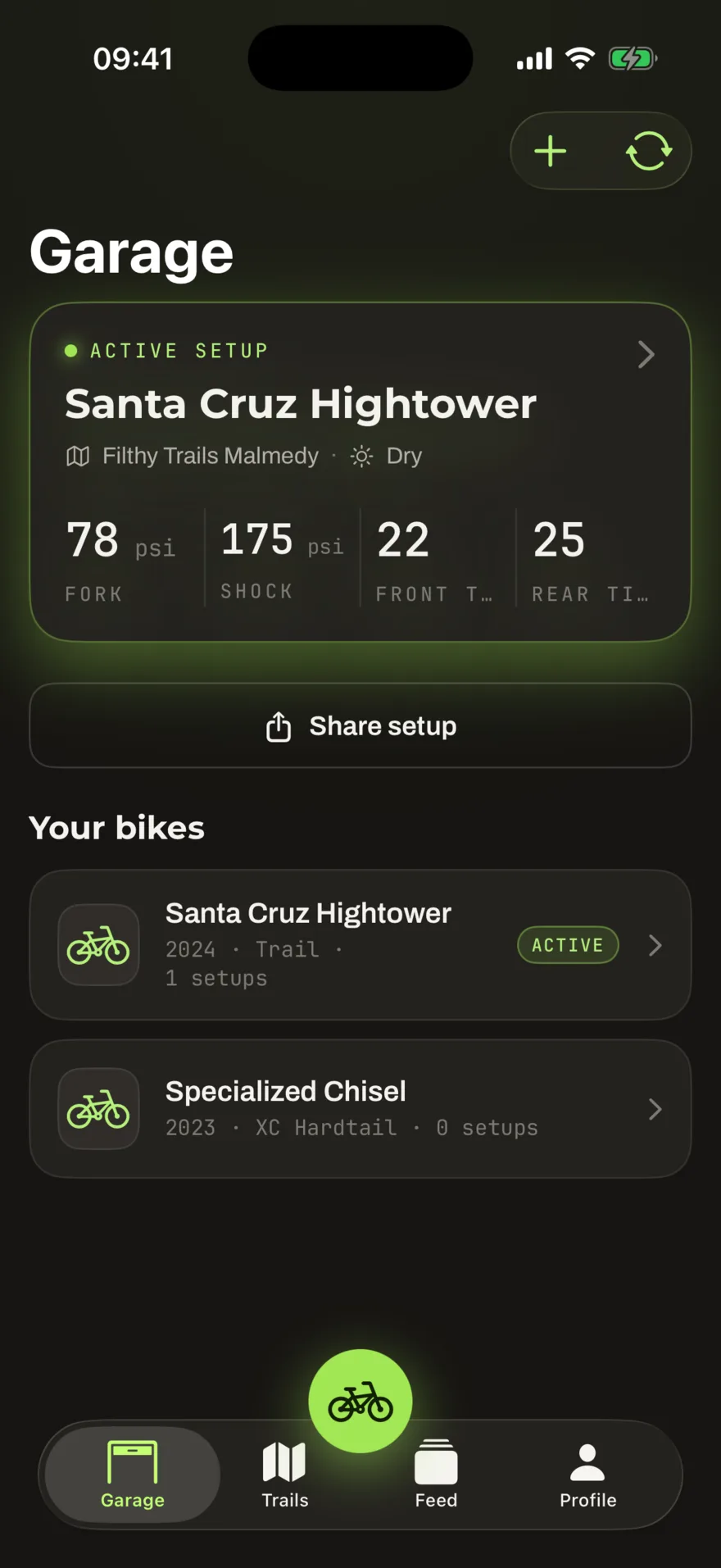
Offline-first, honestly
Bikes, components, setups and service records live in a local store on the phone. Edits mark themselves as pending and a sync engine pushes them in the background: no save buttons, no conflict dialogs. If you edit the same record on the web and the phone, the most recent change wins.
Photos are the one exception: they upload directly when you are online, since a raw photo is too heavy to queue invisibly.
Rides from your head unit
Connect Wahoo and finished rides appear in the app automatically, ready to be enriched: which bike, which trail, how it felt. A ride recorded without any reception stays safely on the device and uploads when the connection returns; nothing is lost in between.
Notifications
Push notifications cover the things you would want a tap on the shoulder for: a comment on your setup, a team invitation, a service reminder coming due. Everything else stays quiet.
Practical
- One account everywhere: sign in with your dialed.at credentials.
- The app speaks to the same API as the website; what you see is the same data.
- traced.at, our trail logger, is a separate app: see what is traced.at.